← All posts

Route LLM calls by cost, not just quality

Originally published on bluearch.substack.com ↗

LLM bills behave like cloud bills used to: easy to start, hard to attribute, surprisingly large by the end of the quarter. Most teams pick one frontier model and route every call to it — coding, summarization, classification, "what's 2+2." That's the spend leak. The fix isn't a cheaper model; it's picking the model per request.

Below: three tools that turn "which model" into a routing decision instead of a hardcoded constant. One academic OSS router, one proxy/gateway that's become the de facto control plane, and one commercial marketplace that prices the decision for you.


RouteLLM

Summary. RouteLLM is a framework for serving and evaluating LLM routers — small models that decide whether a query should go to a strong (expensive) model or a weak (cheap) one.

  • Maintained by LMSYS, the group behind Chatbot Arena.

  • Ships pretrained routers plus a benchmark harness so you can tune the strong/weak threshold on your own traffic.

  • Drop-in OpenAI-compatible server: point your SDK at the RouteLLM endpoint, get back a routed response.

  • Exposes a single knob — the cost/quality threshold — that you can move based on observed quality on your prompts, not someone else's leaderboard.

Use case. Anywhere a single application sends a mix of hard and easy prompts to the same model.

  • Imagine a support-ticket summarizer that currently hits GPT-4-class models for every message, including one-line "thanks, resolved" replies. With RouteLLM in front, you could route the trivial ones to a small open model and reserve the expensive call for genuinely ambiguous tickets.

  • Imagine a code assistant where 70% of completions are boilerplate. With a tuned router you could send those to a 7B model and only escalate the architectural questions.

  • The FinOps shape: cost per request becomes a distribution, not a flat rate, and you get a dial to shift the distribution without redeploying app code.

No invented savings numbers here — the actual ratio depends entirely on your prompt mix. Benchmark before you believe a vendor's headline figure.


LiteLLM

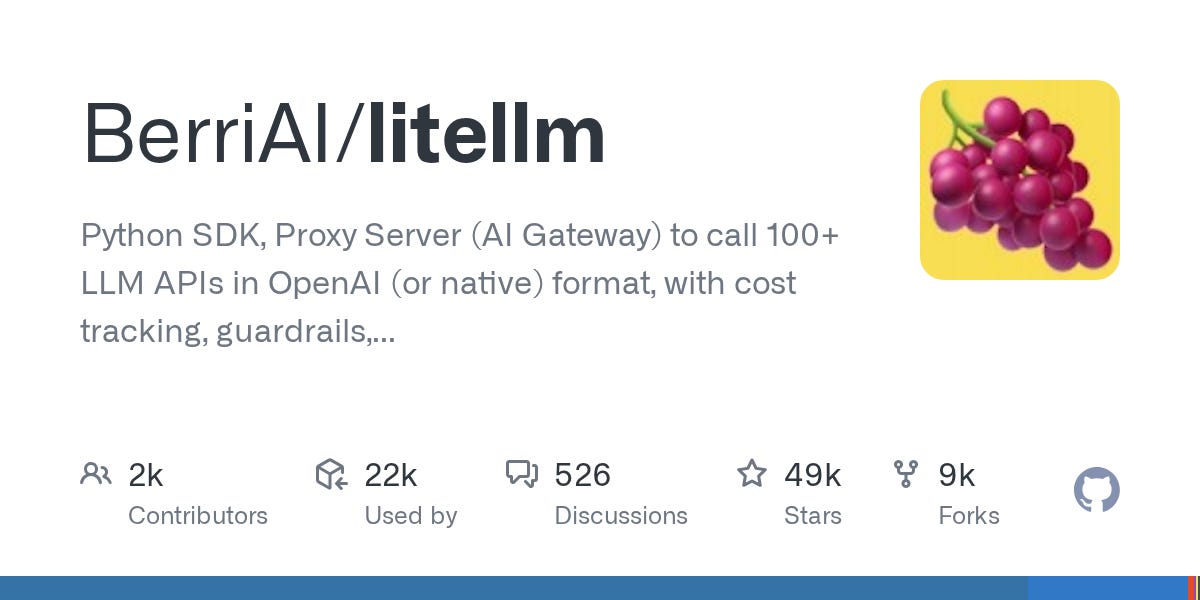
BerriAI/litellm

Summary. LiteLLM is a proxy and SDK that gives you one OpenAI-compatible interface in front of ~100 model providers (OpenAI, Anthropic, Bedrock, Vertex, Azure, local Ollama, and a long tail).

  • Maintained by BerriAI.

  • Two ways to run it: as a Python SDK inside your app, or as a standalone proxy server your services hit over HTTP.

  • Built-in features that matter for cost control: per-key budgets, rate limits, fallback chains, spend tracking, and request/response logging to your own datastore.

  • Routing rules support cost-aware fallbacks (e.g. "try cheaper model first, fall back to stronger one on failure") and load-balanced model groups.

Use case. The control plane for multi-model spend. Most teams don't need a clever router first — they need attribution and guardrails.

  • Imagine three product teams sharing a single OpenAI org with no per-team budget. With LiteLLM you could mint a virtual key per team, set monthly spend caps, and get cost reports without waiting for the provider's invoice.

  • Imagine a "use Claude for long context, GPT for tool calls" policy enforced by app-level if/else scattered across five services. With LiteLLM's model groups you could centralize that rule and change provider without a deploy.

  • Imagine a provider outage. With fallback chains configured, traffic spills to the next model in the group instead of paging on-call.

If you only adopt one tool from this edition, this is the one with the broadest surface area. It doesn't make routing decisions for you — it makes routing decisions possible.


OpenRouter

Summary. OpenRouter is a commercial SaaS that aggregates hundreds of models behind one API and one bill, with public per-token pricing and live latency/throughput stats.

  • Single API key, OpenAI-compatible endpoints, normalized model IDs across providers.

  • Routes around provider outages and (optionally) chooses the cheapest available host for open-weights models served by multiple providers.

  • Pricing is transparent on the model catalog page — useful if you want to see the cost delta between candidate models before you wire up A/B tests.

  • Pay-as-you-go credits; no commit. Trade-off: you're adding a vendor in the path and a margin on top of underlying model cost.

Use case. Quick way to compare models on real traffic without onboarding to each provider separately.

  • Imagine you want to test whether a Llama or Mistral variant is "good enough" for a classification job currently on GPT-4o. With OpenRouter you could swap the model ID in one config, run a shadow traffic split, and read cost-per-call straight off the dashboard.

  • Imagine procurement says "no new vendor contracts this quarter." OpenRouter lets you reach a dozen model families under one existing commercial relationship — useful for evaluation, less useful once you're at volume and direct contracts beat the markup.

  • No direct FinOps mapping for production scale: at high volume, going direct to the underlying provider is almost always cheaper. Treat OpenRouter as a comparison harness, not a forever-home.


The pattern worth stealing

These three tools occupy different layers of the same stack:

  • RouteLLM = the decision (which model for this prompt).

  • LiteLLM = the control plane (keys, budgets, fallbacks, logging).

  • OpenRouter = the catalog (try many models without many contracts).

The mistake is reaching for the router first. Without per-team attribution and spend logs, you can't tell whether routing helped — you just see the next invoice and hope. Start with the control plane. Get cost per team, per feature, per endpoint. Then decide where intelligent routing earns its keep.

A few honest cautions before you go shopping:

  • "Cheap model + retry" can be more expensive than "good model once" when retries cascade. Measure end-to-end cost per successful response, not per call.

  • Quality regressions from routing are often invisible until users complain. Log inputs, outputs, and which model handled them, so you can audit later.

  • Routers add latency. A 50ms classification step in front of a 400ms generation is fine; the same 50ms in front of a 60ms call is not.

  • Any savings percentage a vendor quotes was measured on their benchmark. Yours will differ. Plan to A/B before you plan the win.

One decision for this week

Pick the layer you're missing. If you have no per-team or per-feature attribution on LLM spend, stand up LiteLLM as a proxy and mint scoped keys — that single change makes every later optimization measurable. If attribution is already solved, point a shadow stream at RouteLLM and find out what fraction of your traffic actually needs the expensive model.

Subscribe on Substack

More from the BlueArch Journal.

One email a week. Field notes on AWS cost, tagging, and commitment strategy — straight from the people building the control plane.

Free forever·No spam·Unsubscribe anytime
Prefer to read first? Browse the archive ↗